
Your file cabinet. Without the file cabinet.
Same cabinets, same folders, same tabs your office already knows — except they open in a browser. All your cabinets, folders, and documents are just a mouse click away.
20 years in the field · AI Technology · Support from a real person
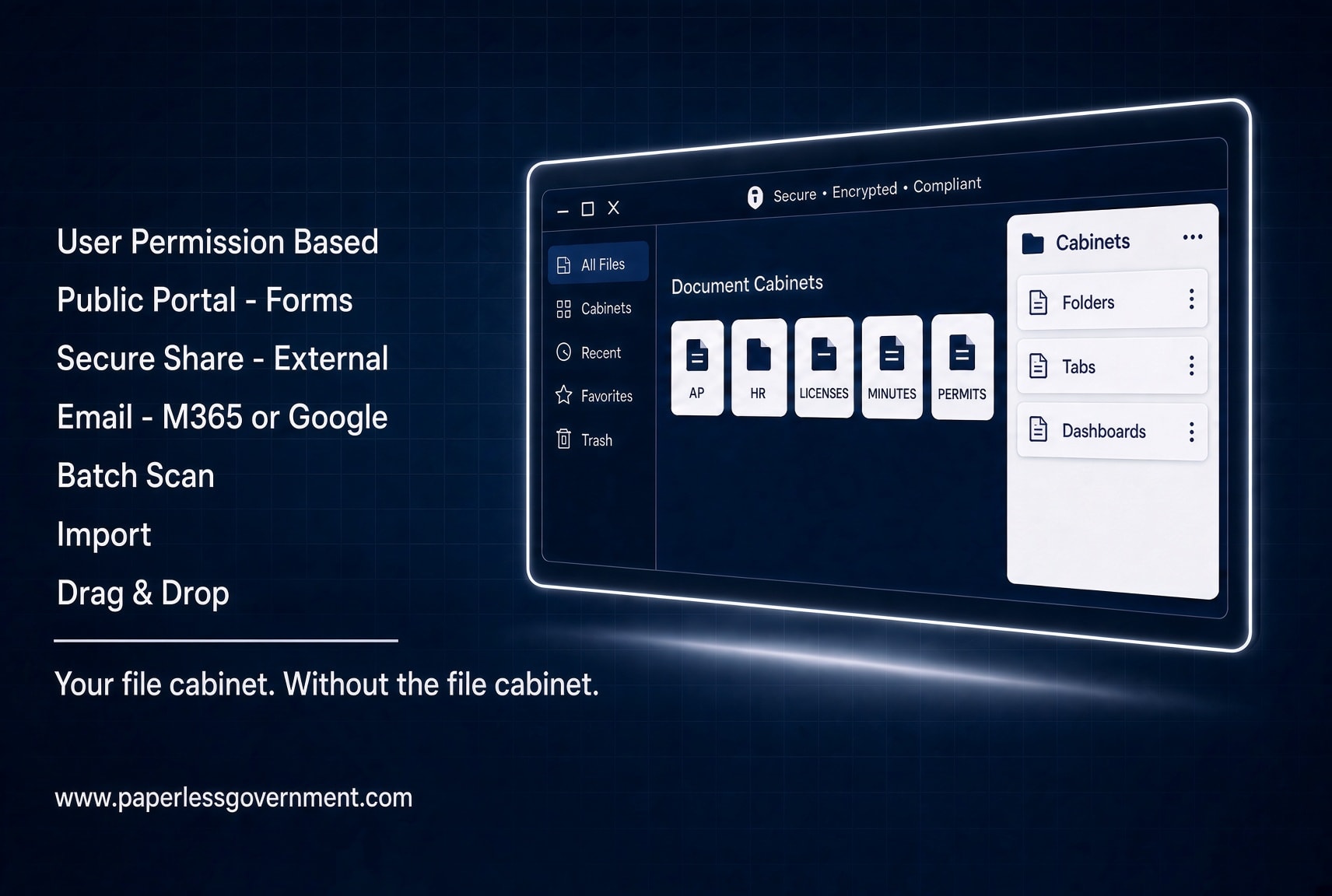
Example cabinets: Active Employees, Accounts Payable, Grants, Meeting Minutes, Inmate Medical, Insurance, Vehicle Inventory, Contracts, Permits, Budget, Payroll, Vendor Files, Council Agendas, Ordinances, Resolutions, Court Records, Incident Reports, Fleet Maintenance, Capital Projects, Bid Files, Purchase Orders, Fixed Assets, Utility Accounts, Code Enforcement, Building Permits, CC Receipts, Animal Shelter, Property Records, District Work Orders, Cemetery Properties
OnPoint DMS is Software as a Service
OnPoint DMS is a SaaS subscription. You own the documents and data. We provide our expert services to make sure it is all setup and implemented correctly. It runs in the browser, so no heavy software to install. SaaS contracts can often bypass traditional sealed bidding if they meet specific criteria such as dollar amount thresholds for services. Check your State Laws for compliance.
Audits stop being a fire drill
Government offices keep paper in boxes in a room down the hall or in the basement. Records get misplaced, and every audit means filling those boxes again. Auditors would rather have a login and a search bar — and so would you.
- Match POs to invoices and packing slips without touching a printer, staples or paper folders
- Auditors don't like paper either. We provide Auditor log-in license for free.
- A folder per fund, with its deposits and reports already sitting in it. Can you say organized?

Watch the Accounts Payable Product Suite overview

Nobody generates more paper than HR
Storing, printing, copying, signing and mailing is most of the job. Enter an applicant's details once and every form after that fills itself in — onboarding, employment change, enrollment.
- Search by name, DOB, SSN, address, department, hire or term date
- Demographics entered once populate every form that needs them
- Right-click to route any document for approval, timestamped

Watch the HR Product Suite overview

What comes in the cabinet
Every OnPoint DMS installation includes these capabilities in the base package — no add-on fees, no surprises.
Workflow routing
Right-click any document and send it to another user. Every hop is stamped with a date and time, so approvals are accountable and bottlenecks are obvious.
Fillable forms
We convert paper forms into e-forms and set them up as templates. Folder label data you've already entered prefills them.
Electronic signatures
Send a document for signature to staff or to someone outside your office, and get it back filed in the right folder.
Full-text search
Search inside documents, not just their names. It's how you find the meeting minutes where a subject actually came up.
Naming templates
Every document type gets a naming rule, so ten people filing for ten years still produce one consistent document name.
CC receipts
Capture a receipt from your phone and it files itself on upload. Reconcile your card statements from our receipt QA module.
Governments that made the switch
Real results from real municipalities — from small towns to large counties.
"OnPoint DMS transformed how our city clerk's office operates. What used to take days now takes minutes, and our staff actually enjoys using it."

"The onboarding team held our hand through every step. We were fully live in under 30 days, and our council members were impressed from day one."

See it running on your own paperwork
A demo is a conversation, not a sales script. Tell us what your office files and how it files it, and we'll show you what that cabinet looks like in OnPoint DMS.
Let's talk about your office
No long-term contract required. Support from a real person.
No credit card required. Implementation support included.